
Last updated November 17, 2026
 Wrought iron
 Wood & steel frame
 Farm & ranch
 Sliding driveway gates
 LiftMaster operators
Free on-site gate assessment - hinges, posts, and your LiftMaster or Nice gate operator checked before anything is quoted
The assessment is free and the quote is the invoice.
Get your free estimateGate Access Control Troubleshooting: Common Problems and How to Fix Them
When a keypad stops taking a code you’ve used a thousand times, the first instinct is to assume the thing is broken. In Summerlin, it usually isn’t. The most common cause we find is a corroded membrane contact worn down by years of desert UV, and the second most common is a backup battery that’s gone weak, dropping the keypad’s voltage below its threshold without ever affecting the gate itself. What follows is the diagnostic chain we walk through on summerlin gate access control calls, built so you can rule out the safe, simple causes yourself before the panic sets in, and know exactly when the fault belongs in a technician’s hands.
Quick Answer
Most gate access control failures come down to one of four causes: a dead or low backup battery, corroded keypad or reader contacts from UV and dust, a wiring fault in the bridge between the access device and the opener, or a credential that has dropped out of the system’s memory. Credential resets, power cycling, and a visual inspection are safe for a homeowner to try. Wiring faults, control board replacement, and full system reprogramming require a technician. Work through the symptom-specific steps below, and call for anything that touches wire or board.
Styles & brands we work with
- Wrought iron
- Wood & steel frame
- Farm & ranch
- Sliding driveway gates
- LiftMaster operators
Key Takeaways
- Your keypad, intercom, and opener are separate systems. The fault is often in the wire between them, not in either device.
- Summerlin’s UV and dust do more damage to outdoor access hardware than anything else in the system.
- Reset a single lost credential yourself; treat a sudden loss of all credentials as a possible security event.
- Low backup batteries cause lockouts that look like software faults but are pure voltage.
- Never open a control board or chase a wiring fault in a live system. That’s a technician’s job.
Table of Contents
- The Layer Most Homeowners Don’t Know Exists
- Symptom 1: One Credential Stops Working
- Symptom 2: All Credentials Stop Working
- Symptom 3: The Intercom Has No Power or No Audio
- Symptom 4: The Code Is Accepted but the Gate Won’t Move
- Why Summerlin Hardware Fails Differently
- When a Lockout Is a Security Event, Not a Repair
- What You Can Do Yourself vs. What Needs a Technician
The Layer Most Homeowners Don’t Know Exists
The single most useful thing to understand about access control is that it is two systems bolted together. On one side sits the access hardware: the keypad, the card reader, the intercom, the telephone entry unit. On the other side sits the gate operator itself – the motor, the arm, the control board that actually moves iron. In between them is a communication layer, a short run of wiring that carries a simple “open” command from the access device to the opener’s trigger input.
When homeowners call us frustrated, it’s often because a technician has already replaced the keypad and the gate still won’t open. That’s what happens when you fix the wrong layer. The keypad was fine. The opener was fine. The bridge between them had a loose terminal.
Before any diagnosis, get clear on which layer is failing. A quick way to tell:
- The access device shows no signs of life – no beep, no light, no display. That points to power reaching the access layer.
- The access device beeps and lights up but the gate doesn’t move – that points to the communication layer or the opener’s trigger input.
- The gate moves on its own remote but not on the keypad – that a hundred-to-one confirms the opener is healthy and the fault is in the access chain.
This single split saves hours. On a recent Summerlin call near The Ridges, the homeowner had replaced a DoorKing keypad out of pocket. The real fault was a corroded trigger terminal at the opener, a two-minute fix once we isolated the layer. That’s why we test the whole chain before swapping parts. If you’re ever unsure which layer is failing, our Gate Repair in Summerlin service starts with that isolation step, and the estimate is free.
Symptom 1: One Credential Stops Working
One family member’s code quits while everyone else still gets in. This is almost always the least serious fault in the whole guide, and it’s usually a memory issue, not a hardware one.
Access systems store each credential as an entry in memory. Under normal conditions those entries survive forever, but desert power fluctuations can scramble or drop a single entry. The gate operator’s own troubleshooting literature treats this as expected behavior after a brownout or a hard power cut. The fix is a clean re-entry of the code.
- Confirm the credential is actually the problem. Have a second person try their own code at the same keypad within a minute of the failed attempt. If theirs works and yours doesn’t, you’ve isolated it to the single credential and can skip everything else.
- Enter the master programming code. This is normally on a sticker inside the keypad housing or in the paperwork left by the installer. If you don’t have it, this step becomes a call to whoever services the system.
- Delete the old entry, then add it fresh. Don’t just add a new code alongside the old one. Clear the failed entry first so you don’t leave a ghost credential in memory.
- Test it twice – once at the keypad and, if you have a card reader on the same system, once with the physical card. If both work, you’re done.
If the credential fails again within a week, the fault isn’t memory. It’s likely a keypad membrane that’s degrading to the point where one button’s contact is no longer reliable. That’s when the keypad itself needs replacing, not the code. Brands like Linear and LiftMaster make units that hold up well in Summerlin’s sun, but even those have a lifespan.
Symptom 2: All Credentials Stop Working
Nobody gets in. This is the call that feels like an emergency, and it’s the one where a slow, methodical walk matters most.
Work in this order:
- Check the backup battery first. Not the gate’s main power – the small backup battery inside the keypad or intercom. These are often a 9-volt or a small sealed lead-acid cell, and they are the single most common cause of “everyone is locked out” in our experience. A weak backup battery won’t touch the gate at all, but it drops the keypad’s voltage below the threshold it needs to read codes. A cheap battery tester settles it in thirty seconds.
- Power cycle the access device. Kill power at the breaker that feeds the access hardware (not the gate motor), wait a full minute, and restore. This clears a stuck state in the access device’s logic without erasing stored credentials.
- Inspect the keypad face for corrosion. Look for a chalky white or green film around the button edges, especially on the number pad and the # key. That film is corrosion, and it’s the second most common cause of a total lockout in Summerlin because of the UV and dust load.
- Test the opener independent of access control. Use the gate’s own remote or the manual release. If the gate opens on the remote, the opener is healthy and the fault is upstream.
If all four steps check out and the gate still won’t accept codes, the problem is in the communication layer or the access device’s board. That’s the handoff point. Put the tools down and call.
Symptom 3: The Intercom Has No Power or No Audio
An intercom that’s dark or silent gets treated as a failed unit, but power and audio are two separate problems that need to be diagnosed separately.
No power at the intercom
Start at the transformer. Most residential intercom systems run on a low-voltage transformer, often mounted near the gate operator or in a utility box nearby. If the transformer has failed or its breaker has tripped, the intercom goes dark while everything else keeps working. Check the breaker, then check the transformer’s output if you own a meter. Never open the transformer housing or work on it while it’s live.
If the transformer is producing power and the intercom is still dark, you’re looking at a wiring fault in the low-voltage run. That’s a technician job, and it’s often the same communication-layer fault described above wearing a different hat.
Power but no audio
If the intercom lights up but you hear nothing, or the visitor hears nothing from you, look at the speaker and microphone openings. In Summerlin, dust finds its way into those small grilles within a couple of seasons. A soft brush and a blast of compressed air clears it more often than you’d guess.
If the grilles are clean and audio still fails, the fault is in the intercom’s board or the audio wiring. Some brands – BFT and FAAC among them – route audio and trigger signals over the same cable bundle, so a single damaged conductor can kill audio while the trigger still works, or vice versa.
Symptom 4: The Code Is Accepted but the Gate Won’t Move
The keypad beeps, the light goes green, the gate sits there. This is the classic communication-layer failure, and it’s the one most likely to get misdiagnosed as a dead opener.
What’s happening is that the access device successfully reads the code and tries to send a trigger signal to the opener. The signal has to travel over a wire, through a terminal, into the opener’s trigger input. If any point in that path has failed, the code is accepted but the story stops there.
What to check, in order:
- The trigger wire terminals at both ends. With the power off, a careful visual inspection for loose, corroded, or chewed terminals is safe. Don’t touch them live.
- The gate’s own safety edges. A gate that thinks its safety edge is triggered will refuse to move even when commanded. Most operators have an indicator light for this. Check the owner’s manual for your operator’s indicator pattern.
- The opener’s trigger mode setting. Some openers are set to “open only,” some to “open and close.” If the setting got changed, a code might trigger nothing. This is a programming check, and it’s technician territory.
Notice what’s missing from this list: replacing the keypad. It’s almost never the keypad when the code is accepted. The trigger path is the suspect. Our Gate Motor & Opener in Summerlin work is where we spend the most time tracing this exact failure, and it’s usually a terminal, not a part.
Why Summerlin Hardware Fails Differently
Access hardware in Summerlin lives a harder life than the same equipment in most of the country. Three local factors do most of the damage:
UV exposure. Summerlin’s sun is relentless. Outdoor keypads, intercoms, and card readers sit in full sun for decades. The plastic housings, button membranes, and display covers all degrade. A membrane keypad that would last fifteen years in a shaded climate starts failing in eight or ten here. That corrosion we keep mentioning – it’s not water damage, it’s UV breakdown of the protective layer followed by dust infiltration. Neighborhoods with unobstructed sun exposure, like the hillside streets above Red Rock, see this earlier than shaded lots.
Dust infiltration. Fine desert dust works into card reader slots, keypad seams, and speaker grilles. Inside a card reader, dust on the read head produces intermittently failed swipes that look like a credential problem. Inside a keypad, it packs into button wells and slowly defeats the membrane contact.
Power fluctuation. Summerlin’s grid endures hard thermal cycling, and voltage sags aren’t unusual during the hottest weeks. Every sag is a small stress on memory-stored credentials and on power supplies. When we see a system lose a credential right after a summer storm, the storm is the explanation, and the fix is a fresh code entry, not new hardware.
A seasonal tune-up is the cheapest insurance against all three. Our Ironworks Gate Co. Summerlin home page lays out the seasonal service schedule we recommend for desert systems.
When a Lockout Is a Security Event, Not a Repair
Most credential failures are hardware. Some aren’t. Knowing the difference protects your home.
Treat it as a potential security event, and reset the whole system, in these cases:
- Multiple credentials fail at once with no power event to explain it. A brownout explains one lost code. Six lost codes with no storm is a system wipe, or tampering.
- The master programming code no longer works. Someone has changed it. That requires a full reset.
- Your gate opened when nobody commanded it. This one is worth taking seriously. A phantom open can be a spurious trigger from a failing trigger wire, but it can also be an unauthorized remote or a cloned credential.
- You see physical damage or new hardware on the access device. Someone has been at it.
In any of these, the safe sequence is: delete every credential, reprogram the master code, issue fresh codes to each family member, and verify the gate’s remote pairing while you’re at it. This is a technician’s job on most systems, but it’s a job worth paying for.
For a full reset, reprogramming, and verification, we handle it under Gate Installation in Summerlin services as a re-commissioning visit. The important thing is to close the gap now, not next week.
What You Can Do Yourself vs. What Needs a Technician
Some troubleshooting is safe and sensible for a homeowner. Some isn’t, and pretending otherwise causes damage or injury.
Safe to try yourself
- Re-entering a single credential if you have the master programming code and the manual.
- Power cycling the access device at its breaker.
- Replacing a backup battery in a keypad or intercom if the compartment is accessible without tools or a screwdriver.
- Visual inspection of keypad faces, card reader slots, and intercom grilles – brushing out dust, wiping corrosion.
Requires a technician
- Anything involving the low-voltage wiring between access device and opener. Live probes in a control box are not a homeowner job.
- Control board replacement in either the access device or the opener.
- Full system reprogramming after a security event.
- Transformer work. Even low-voltage transformers sit near line voltage at the feed side.
One safety note that matters more than any other line in this guide: if the gate is a swing or slide gate with exposed moving parts, its opener’s high-tension and electrical components can hurt you badly. The gate motor is not the place for a homeowner’s curiosity. Anyone who tells you to open the operator’s control box and start probing wires is giving you bad advice. Call a licensed technician.
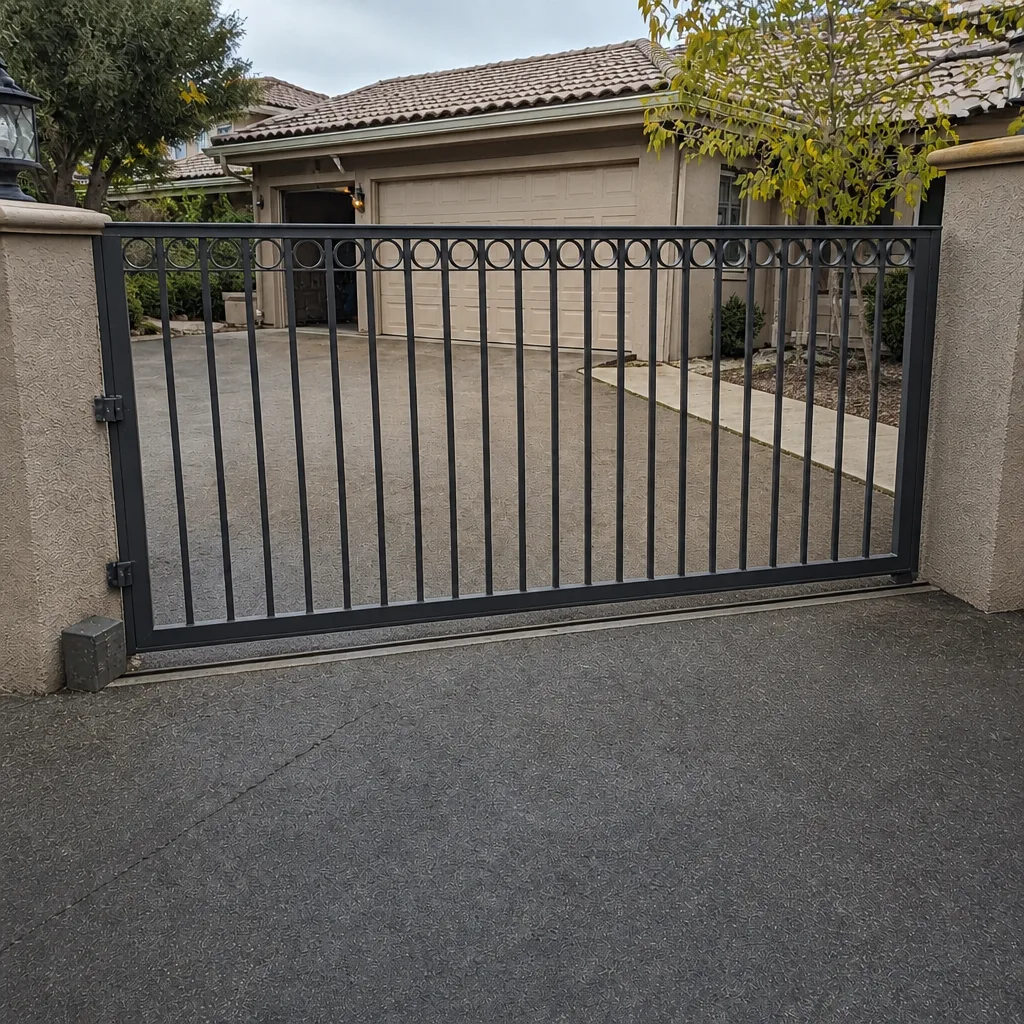
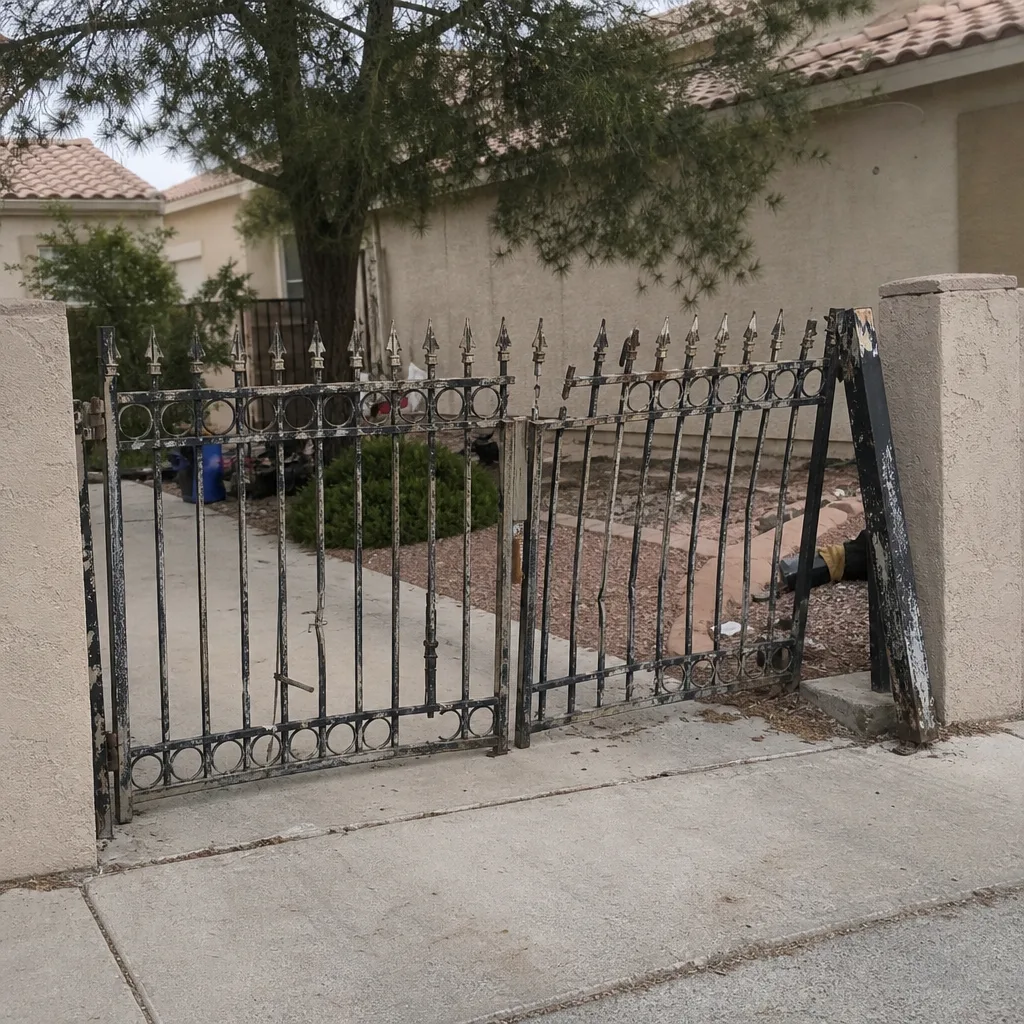
See the difference
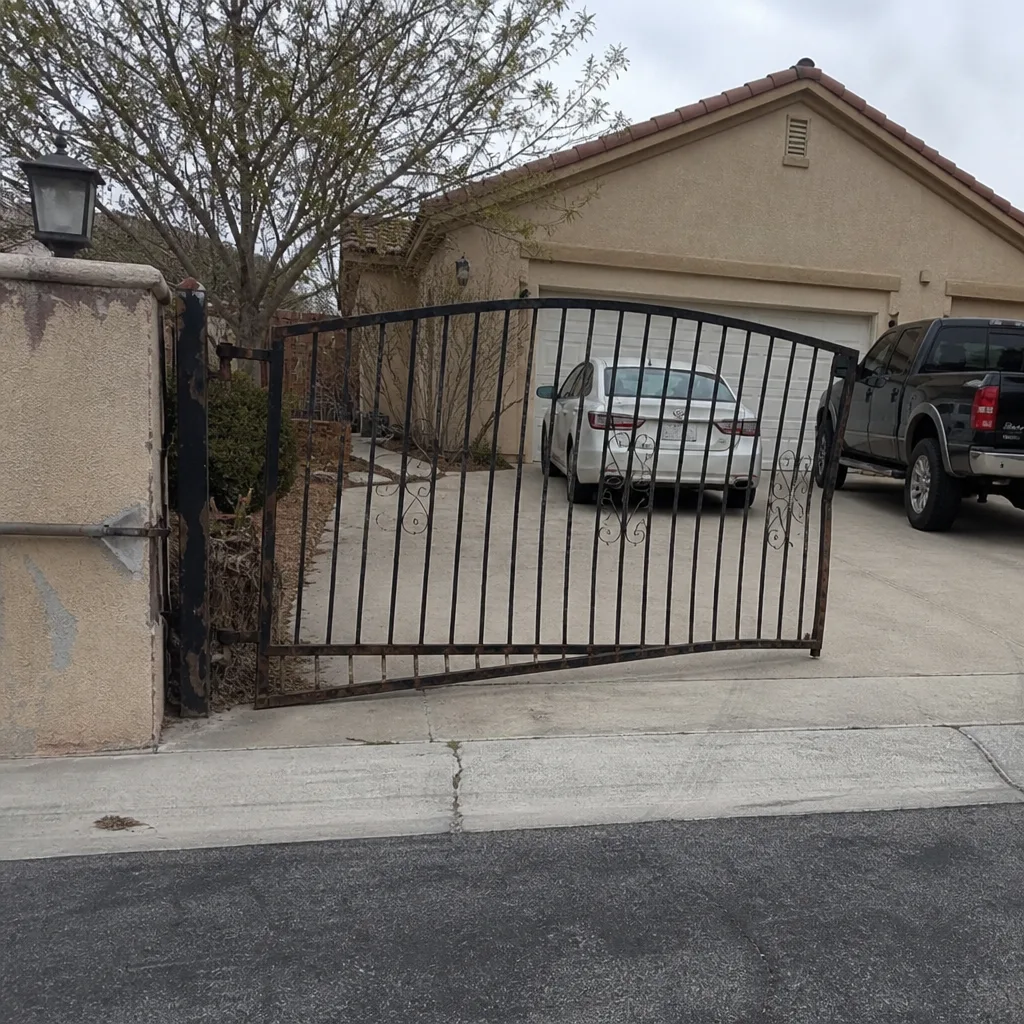 Before
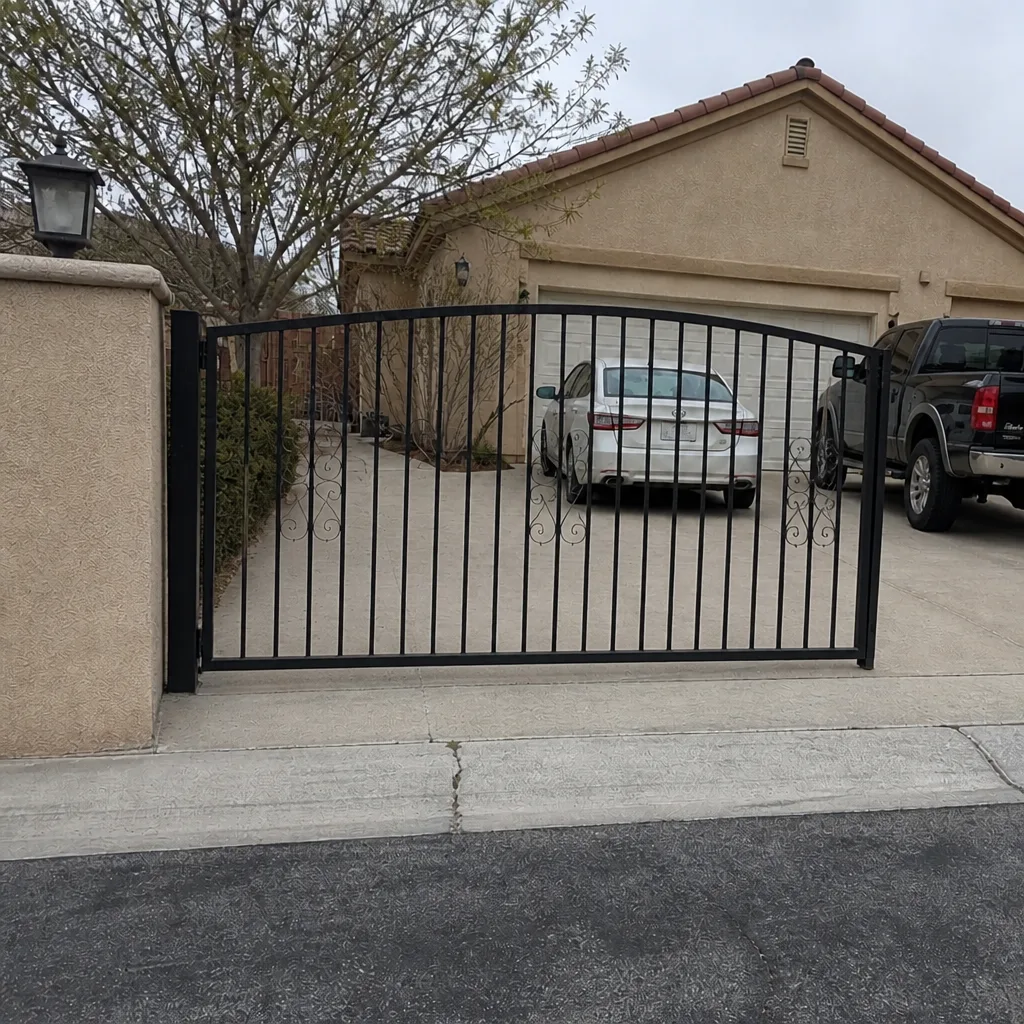 After
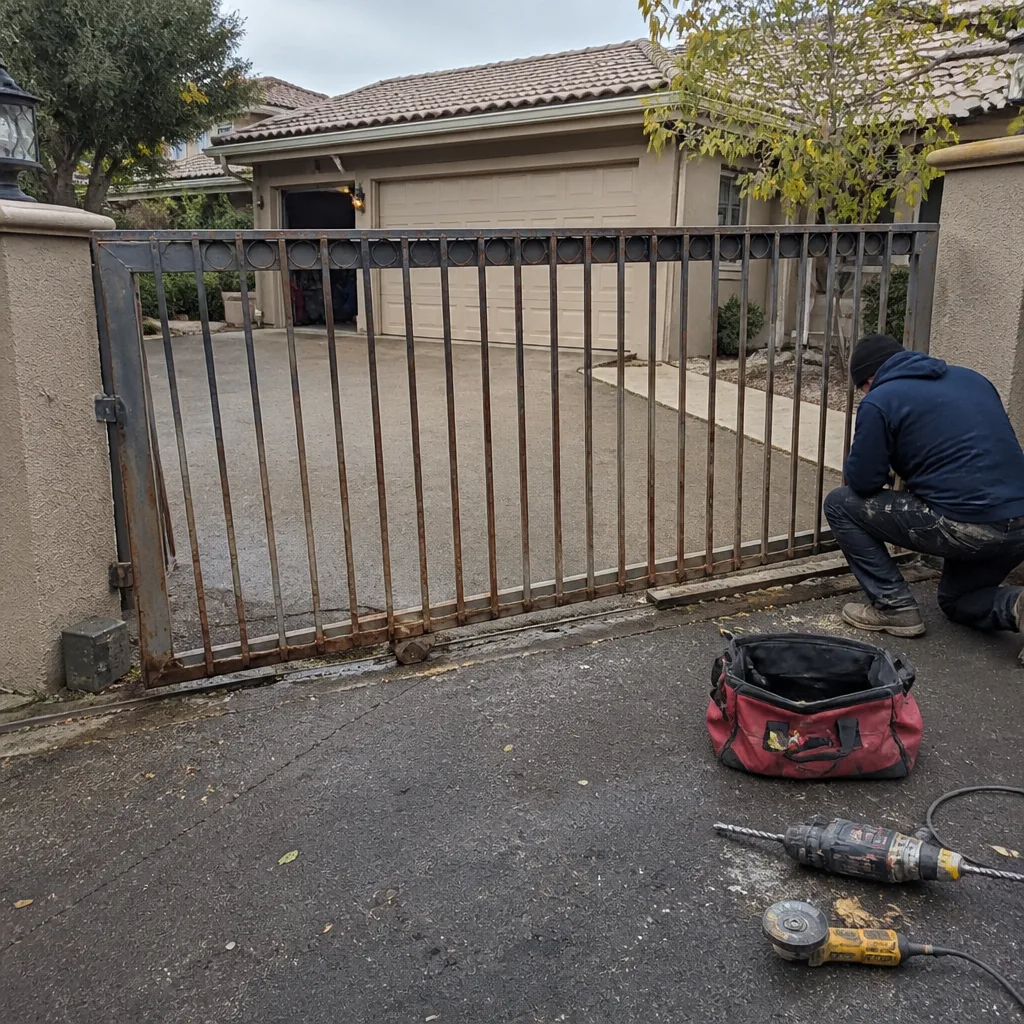 Before
 After
 Before
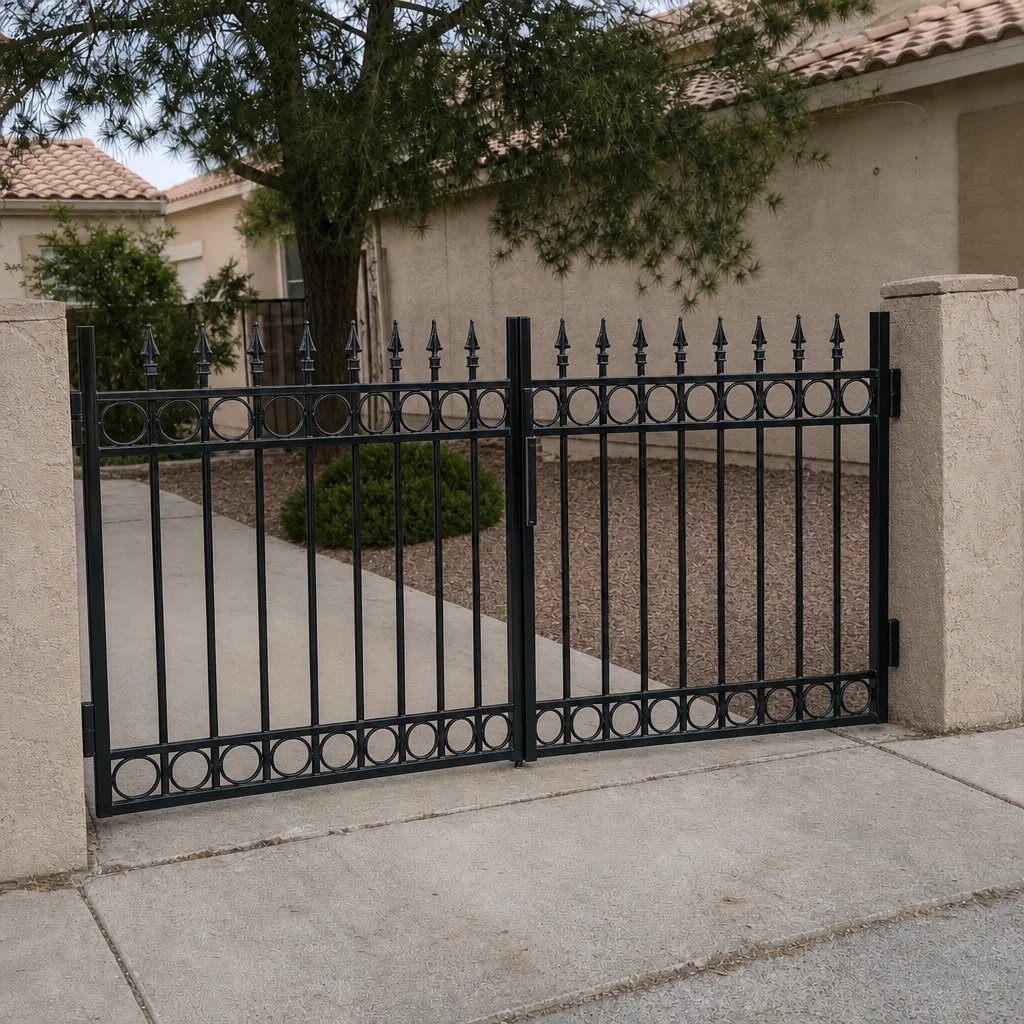 After
Common Mistakes to Avoid
- Replacing the keypad when the code is being accepted. A keypad that beeps and lights up has done its job. When it accepts codes and the gate doesn’t respond, the problem is downstream in the trigger wiring or the opener. Swapping the keypad wastes money and solves nothing.
- Blaming the gate operator for a credential lockout. The gate motor and the access system are separate. A gate that works on the remote but not the keypad is telling you the operator is healthy.
- Skipping the backup battery check. This is the number-one cause of “everyone locked out” in our Summerlin calls, and it costs under $20 to check. Going straight to a service call for a battery is the most avoidable expense in the book.
- Assuming a UV-damaged keypad is a brand fault. Summerlin sun eats membranes regardless of brand. LiftMaster, Linear, and every other name we service experience the same timeline here. Replacing with the same model in the same spot gets you the same result.
- Resetting a single code when a security event has occurred. If multiple credentials failed at once or your gate moved on its own, do the full reset, not the quick fix. A locked-out intruder is better than a locked-out homeowner with an open gate.
- Ignoring the safety edge indicator. A gate that thinks its safety edge is triggered will refuse every command. The operator’s indicator lights are telling you something if you know the pattern.
- Trying to “fix” a live wiring fault yourself. Chasing a trigger-wire fault with the system energized is how people get hurt. Kill power or call.
When to Call a Professional
Call us when the fault is in the wire, the board, or the programming. That’s a wiring fault between access device and opener, a failed control board in either layer, a low-voltage transformer or run that isn’t delivering power, an intercom that stays dark after a breaker check, a credential that fails again within a week of a clean re-entry, or any lockout you’d classify as a potential security event. Call us before you open a control box. Call us before you replace a part you haven’t tested. Call us when the gate moves on its own and nobody asked it to.
Ironworks Gate Co. Summerlin offers free estimates in Summerlin, and a live person answers the phone any hour of the day or night. Our technicians have up to 13 years of experience on nine gate automation brands, and every job is backed by our written 90-Day Done Right Promise. Call (866) 623-9848. The price is quoted and agreed before any work starts, and no bolt gets turned until you’ve said yes.
Frequently Asked Questions
Because the credential dropped out of the access system’s memory, usually after a power fluctuation. It’s the least serious failure in the guide and the easiest to fix – re-enter the code with the master programming code, delete the old entry first, then add it fresh and test it twice. If it fails again within a week, the keypad membrane is degrading and the keypad needs replacing. Call (866) 623-9848 for an exact quote – estimates are free.
The most common cause is a weak backup battery in the keypad or intercom – it won’t touch the gate, but it drops the keypad’s voltage below what it needs to read codes. The second most common is corroded membrane contacts from UV exposure and dust infiltration, which accelerate in Summerlin’s conditions. Check the backup battery first, then power cycle the access device, then inspect the keypad face for chalky or green corrosion. Call (866) 623-9848 for an exact quote – estimates are free.
Yes, and this happens often. The keypad and the gate operator are separate systems connected by a short trigger wire. A keypad can fail completely while the operator is perfectly healthy, and an operator can fail while the keypad works. Testing the gate with its own remote is the fastest way to know which side has failed. Call (866) 623-9848 for an exact quote – estimates are free.
Treat it as a security event if multiple credentials fail at once with no power event to explain it, if the master programming code no longer works, if the gate opened when nobody commanded it, or if you see new hardware or physical damage on the access device. In any of those cases, the safe move is a full system reset with fresh credentials, not a single-code re-entry. Call (866) 623-9848 for an exact quote – estimates are free.
You can safely re-enter a code yourself if you have the master programming code and the owner’s manual, and if the system hasn’t shown signs of a security event. Don’t touch anything that involves opening a control board, probing live wiring, or replacing a transformer – those are technician jobs. When in doubt, call. Call (866) 623-9848 for an exact quote – estimates are free.
Typically about eight to ten years in full sun exposure, compared to fifteen or more in milder climates. Summerlin’s UV load degrades the plastic housing, button membranes, and display covers, and dust follows the cracks. A keypad mounted in shade or under a gate cover can last much longer. A seasonal tune-up is the cheapest way to stretch that lifespan. Call (866) 623-9848 for an exact quote – estimates are free.
Call (866) 623-9848 for an exact quote – estimates are free.
The Bottom Line
Access control failures feel like emergencies because they cut off entry and raise a security question at the same time. In practice, most of them follow a short diagnostic chain: check the backup battery, power cycle the access device, inspect for UV corrosion, test the gate on its own remote, and trace the trigger wire. The safe steps are yours to try. The wire and board are ours. Done right, most lockouts are resolved in a single visit, with a written price agreed before any work starts and a 90-Day Done Right Promise behind every job. When the chain runs out, we’re a phone call away.
Written by the team at Ironworks Gate Co. Summerlin.